Step 1
Original
The page as published: original lettering, black and white.
Manga & manhwa, in your language
Drop in a page: RuneManga erases the lettering, fills in the background and sets the dialogue in your language.


Sample pages made for RuneManga. The steps are prepared by hand to show the process. The color pages are our colorization.
How it works
One page, three states. Choose the language you want to read in and get the page back ready to read.
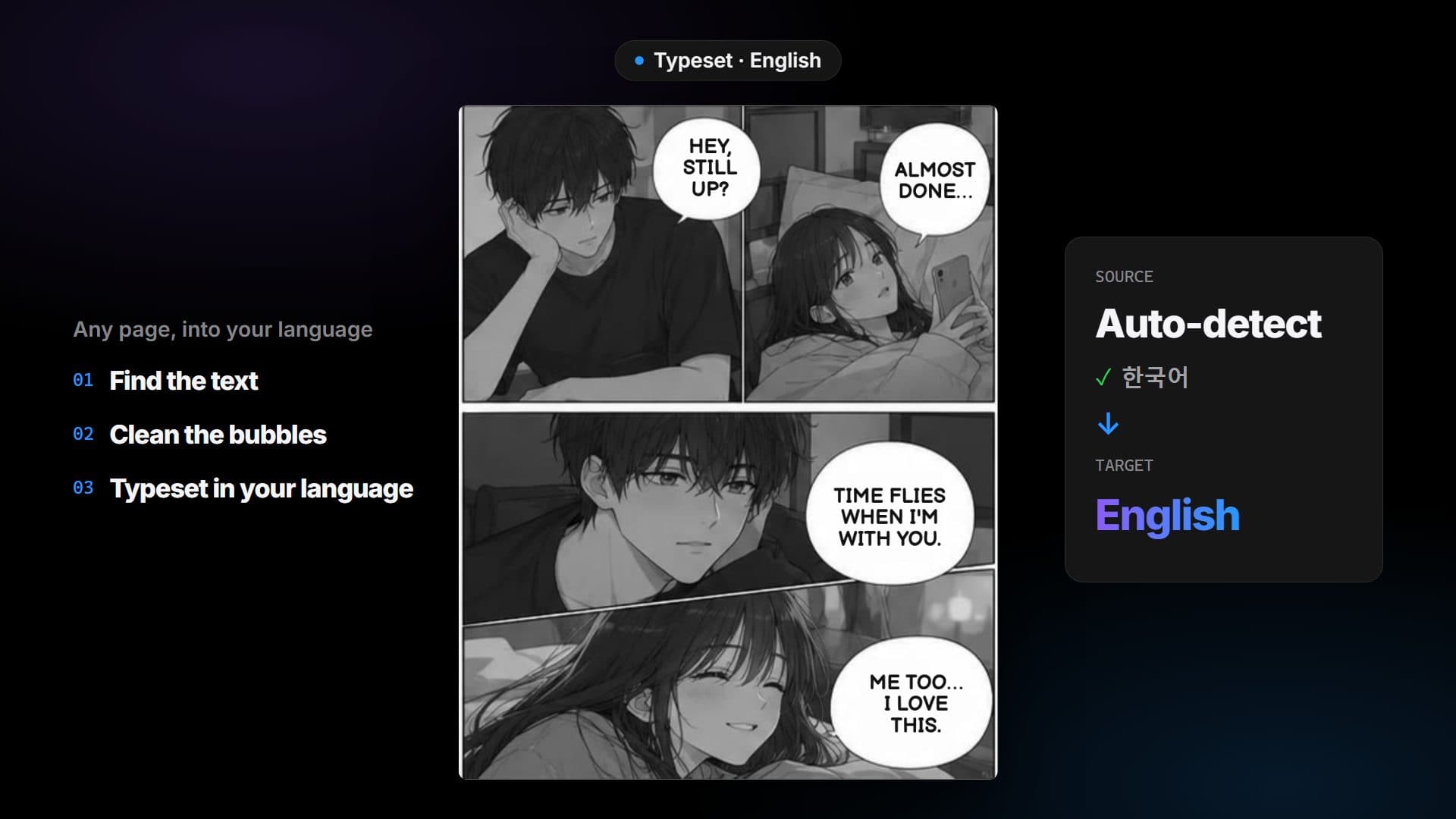
Step 1
The page as published: original lettering, black and white.
Step 2
The lettering in the bubbles is erased and the background filled in.
Step 3
Your language is set back into each bubble, and the page is ready to read.
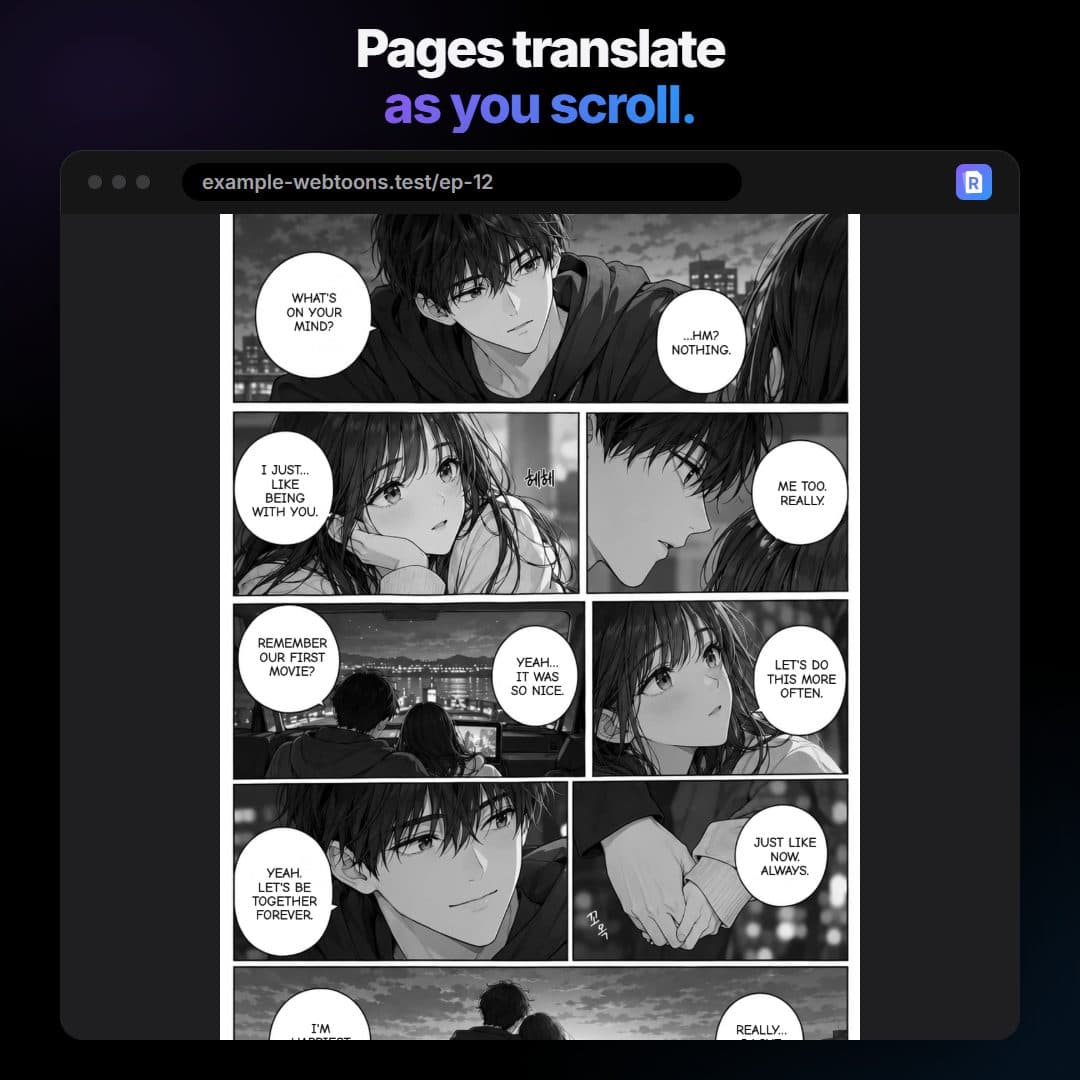
Browser extension
Turn it on for a site and read as usual: pages are translated in place as you scroll. Works today in Chrome, Edge, Opera, Brave and every other Chromium-based browser; Firefox is in review.
Where it runs
Edge: add it from Edge Add-ons. Chrome, Opera, Brave, Vivaldi, Arc and other Chromium-based browsers: install it today from the download page, by hand while their stores review it. Firefox is in review, and the WebApp works on any device.
Extension
Listed on Edge Add-ons: add it in one click, and it keeps itself up to date.
 Add to Edge
Extension
The same extension, installed by hand from the download page while their stores review it.
 Add to Chrome
Extension
The same extension, built for Firefox on the desktop.
WebApp
Upload pages on a phone, tablet or computer. Nothing to install.
Pricing
One credit translates one page. Every account can claim 20 free credits a day on the site, new accounts get 30 more once, plans add credits every month, and packs you buy never expire. Every plan, Free included, translates with RuneLingua, our own AI translator for manga and manhwa.
$0 forever
$2.99 / month
$4.99 / month
$9.99 / month
Credits you buy never expire. Your daily and plan credits are used first.
$1.00 one time
300 pages to finish a chapter today. Never expires.
$4.99 one time
1,000 pages to translate. Never expires.
$7.99 one time
2,500 pages to translate. Never expires.
$14.99 one time
6,000 pages to translate. Never expires.
Prices in USD. 1 credit = 1 translated page. Daily credits last 24 hours after you claim them and are used first. Plan credits renew on your renewal date and unused ones do not carry over; sign-up and pack credits never expire. Payments are handled by Whop. Each translated page uses one credit. Pages that fail, or that are already in your language, cost nothing.
Pricing FAQ
Short answers about plans, limits and RuneLingua.
RuneLingua is our own AI translator, built for manga and manhwa dialogue and run on our servers. It translates your pages on every plan, Free included. A few languages it does not write well yet, and a page sent while RuneLingua is briefly unavailable, go to another translation service, named in the Privacy Policy.
No. It translates your pages by itself, in the WebApp and in the extension, on every plan, with nothing to enter and nothing extra to pay.
One credit translates one page. Every account, on every plan, can claim 20 free credits a day on the Daily credits page; they last 24 hours and are used first. New accounts also get 30 free credits once, and they never expire. Paid plans get their credits on each renewal date; plan credits left at the end of the period expire. Credits from a pack never expire and are used after your daily and plan credits. If you run out before the period ends, your plan stays: claim the next day's credits, wait for the renewal, or buy a pack.
Yes, any time. Cancel from Manage subscription on your account page: a cancelled plan keeps working until the end of the period you paid for, then you are back on Free. To switch plans, subscribe to the new one: it starts right away and your old plan stops renewing. Whop handles the payment.
Yes: sign in with a free account (Google, Discord or email) to translate, in the WebApp and in the extension. It costs nothing, needs no card and comes with 30 free credits, plus 20 more you can claim every day; subscribe or buy credits from the same account.
Write to [email protected].
Drop in a page and get it back in your language.